Your Presets Stay on Your Machine
preset.tools runs entirely in your browser. Your presets are never uploaded to a server, and no data ever leaves your computer. Disconnect from the internet and keep working because nothing changes.
A free browser-based workstation for preset pack makers and producers to bulk edit metadata, rename, move, copy, and organize Serum 2 preset files entirely offline.
Glide from collection scanning to bulk metadata edits, template renames, and safe previews.
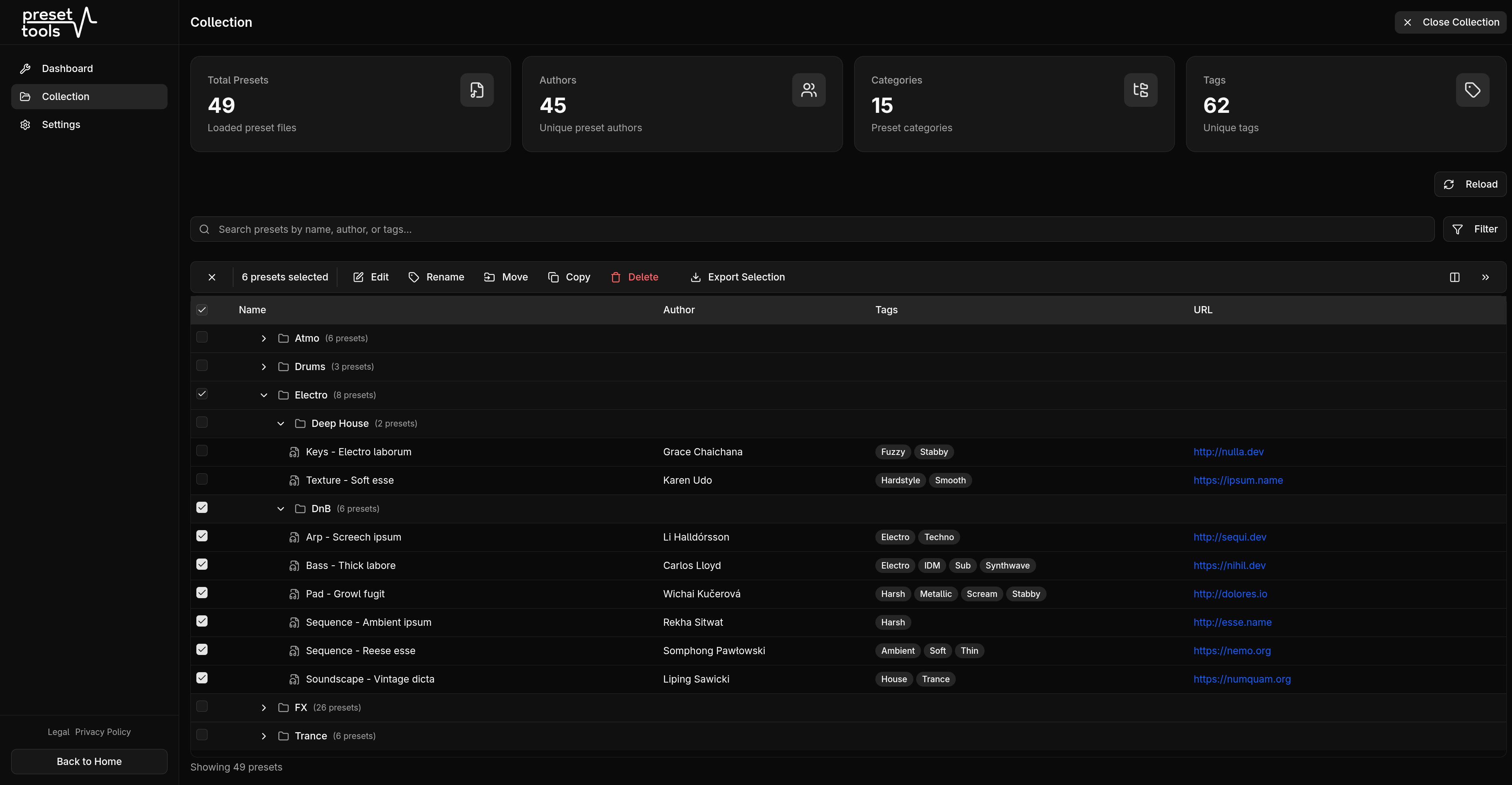
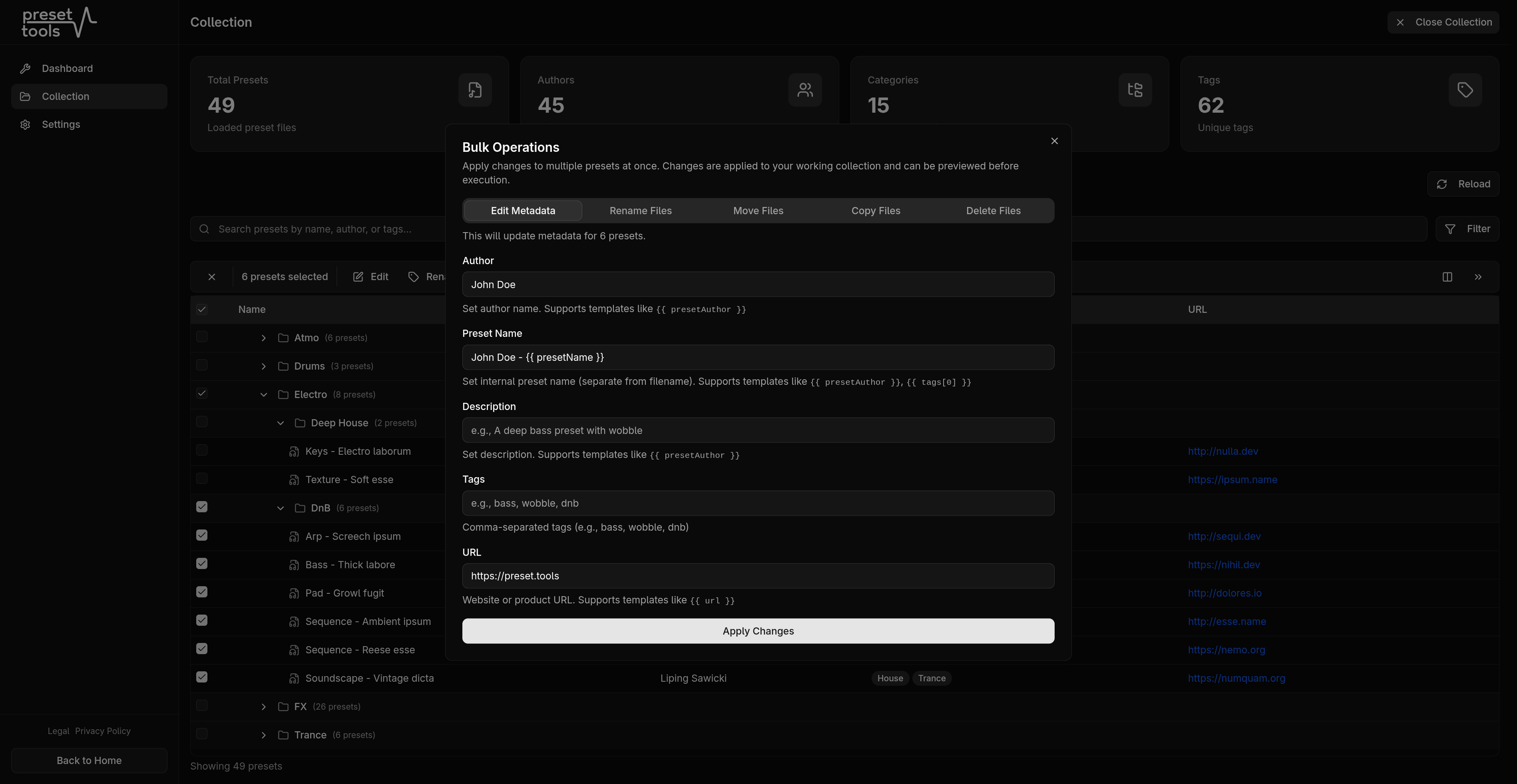
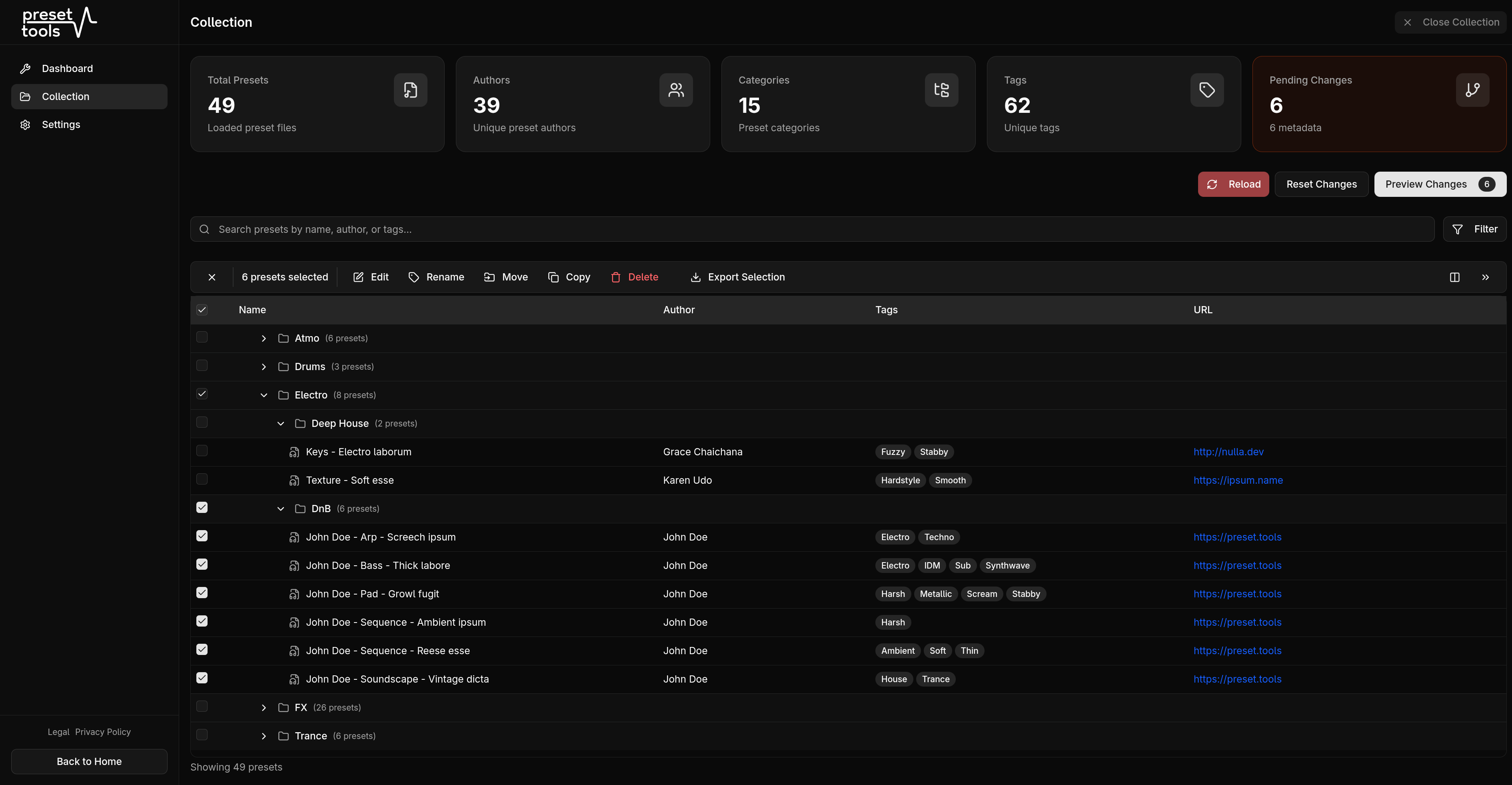
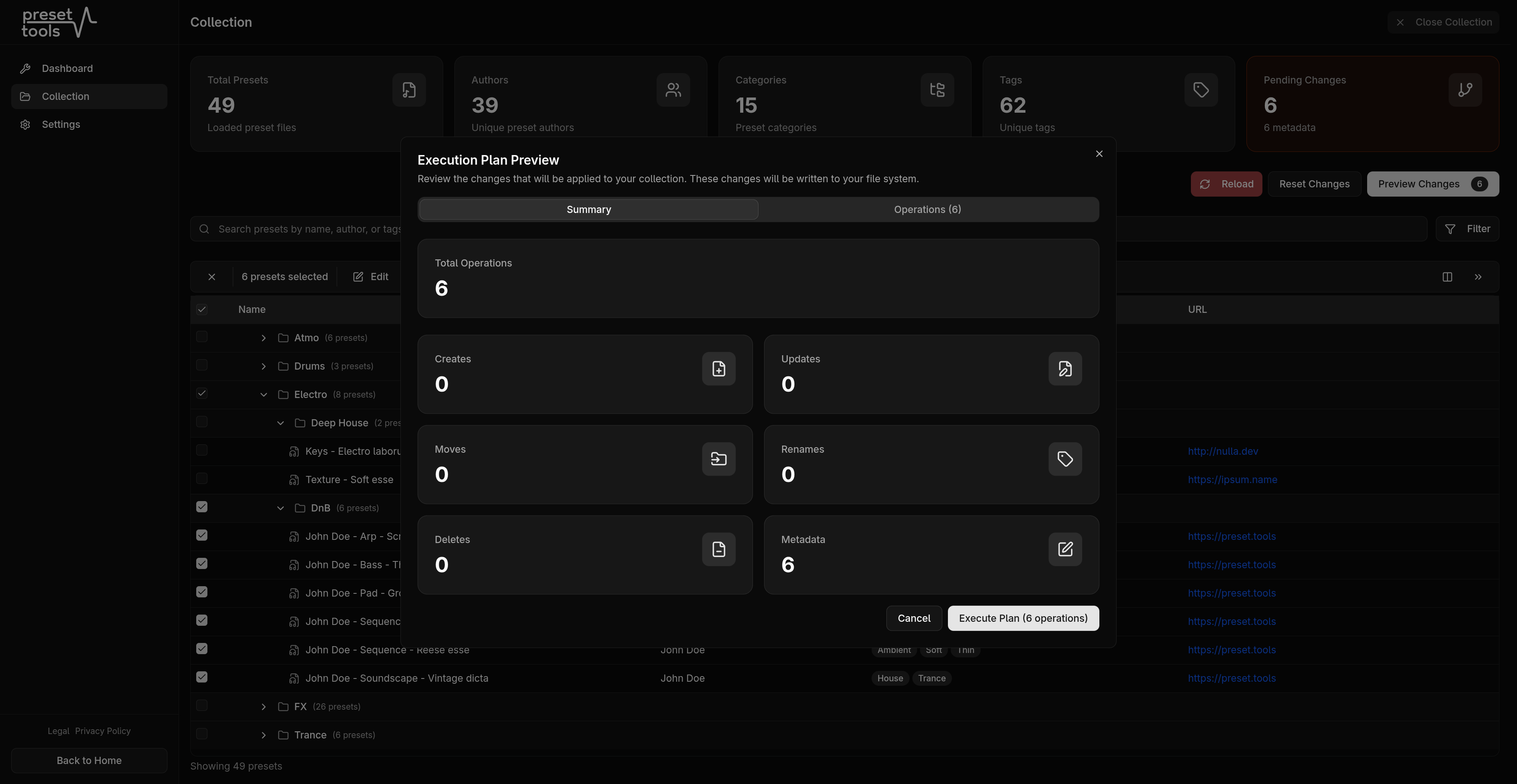
Every workflow is designed around speed, privacy, and confidence before you commit changes to disk.
preset.tools runs entirely in your browser. Your presets are never uploaded to a server, and no data ever leaves your computer. Disconnect from the internet and keep working because nothing changes.
Using the Chrome File System Access API, preset.tools reads and writes your presets right where they live. Select any folder, external drive, or cloud-synced directory and start editing immediately.
preset.tools is a Progressive Web App you can install directly on your computer from Chrome or Edge. Once installed, it launches like a native app and works fully offline.
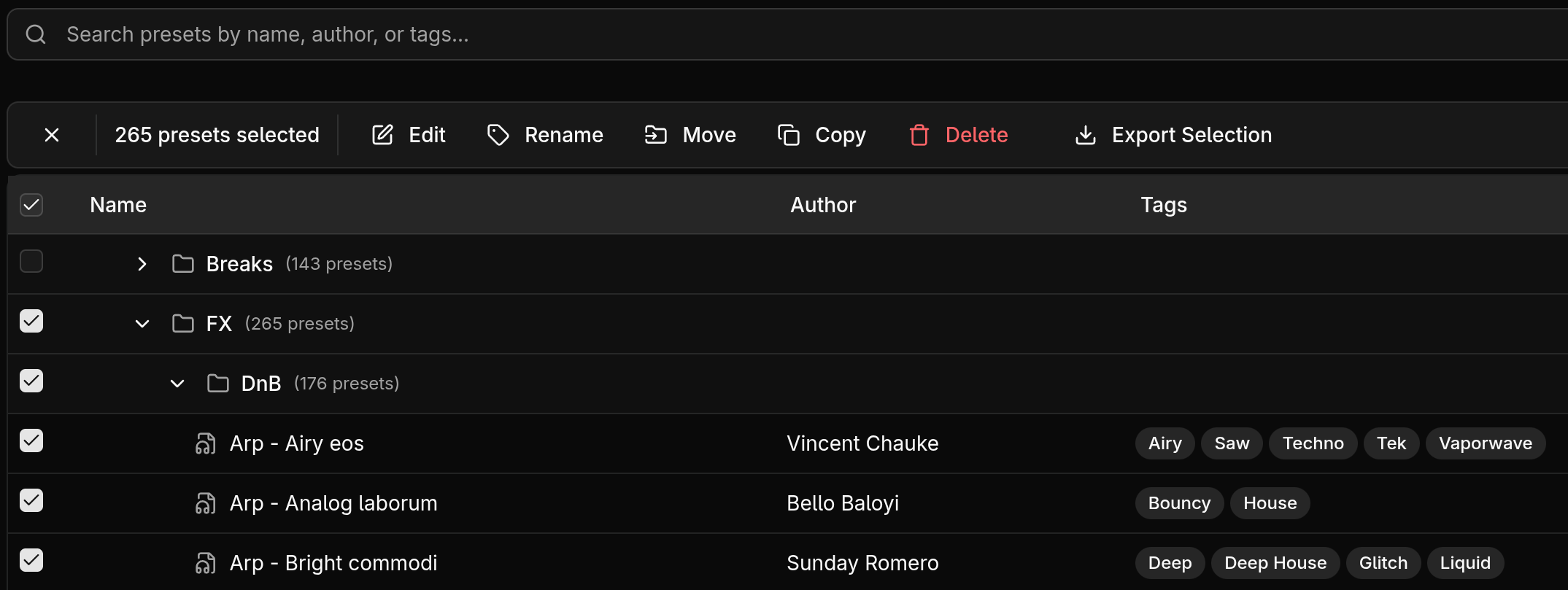
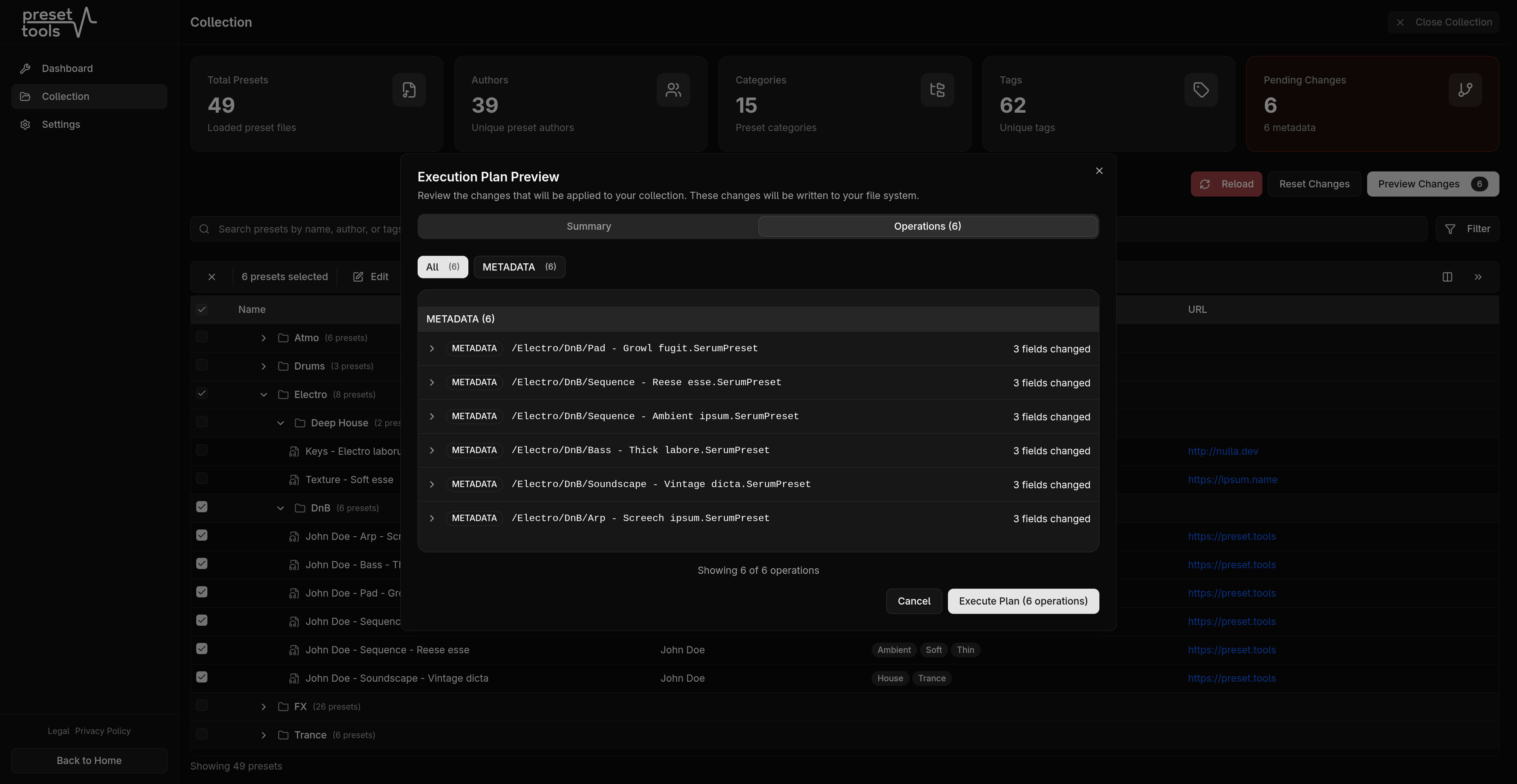
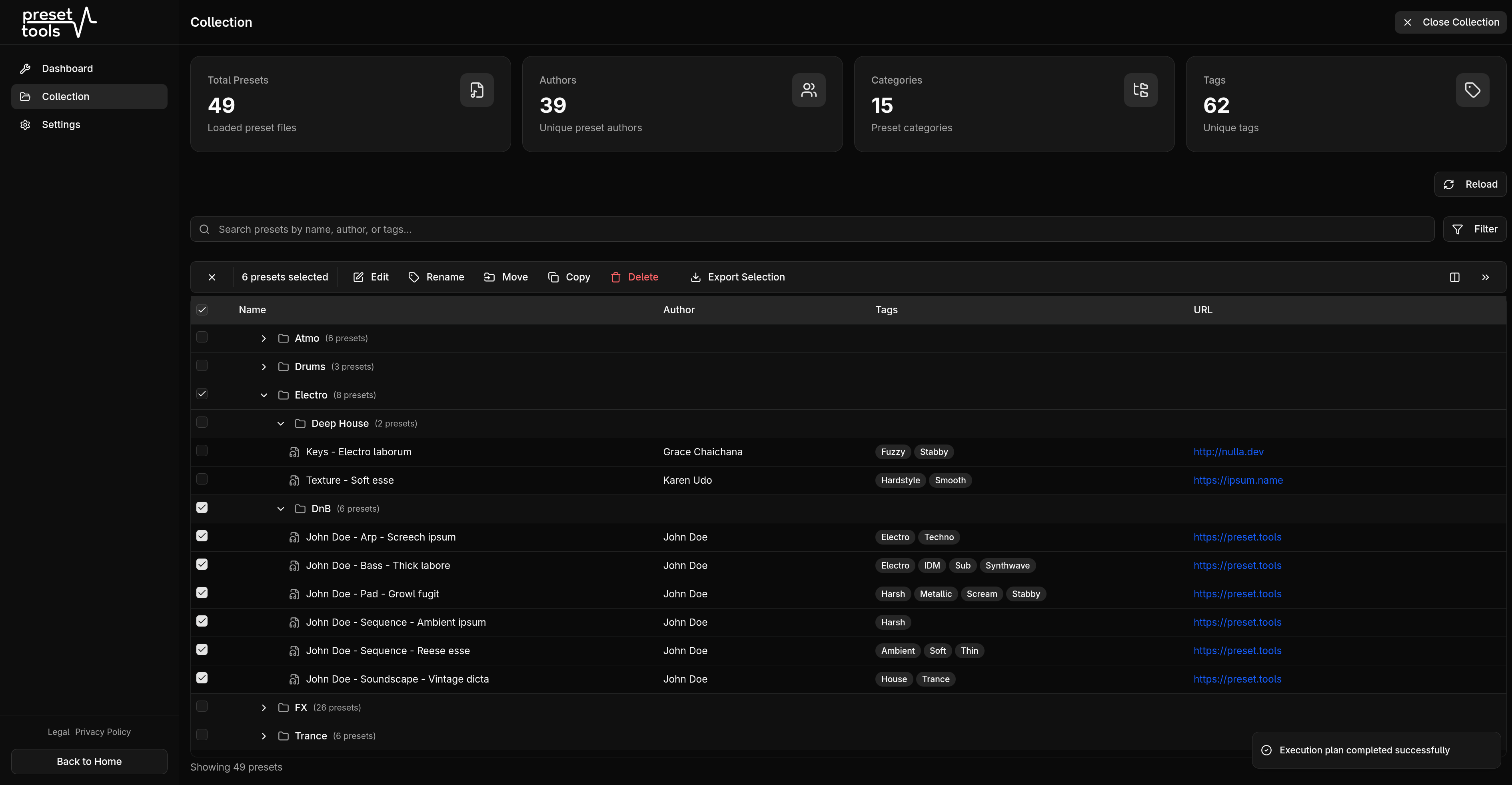
Browse, search, and organize your Serum 2 preset library in one luminous control surface. Whether you have a handful of presets or thousands, preset.tools loads them instantly and lets you work on your entire collection at once.
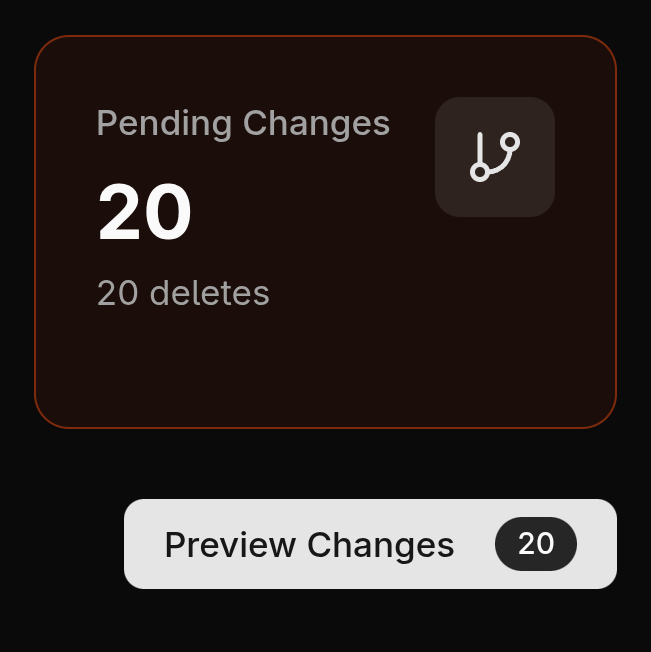
Before preset.tools touches a single file, you see exactly what will happen. Every rename, move, copy, and metadata change is listed so you can review, adjust, or cancel before anything is written to disk.
Short answers about privacy, browser support, file handling, and offline installation.
Getting started takes seconds. Open the dashboard, grant access to the folder where your Serum 2 presets are stored, and preset.tools will automatically scan and load every .SerumPreset file it finds.
preset.tools works with .SerumPreset files, the native format used by Serum 2. Convert older .fxp presets inside Serum 2 first.
The interface is responsive, but the File System Access API is currently supported only in desktop browsers like Chrome, Edge, and Opera.
Yes. Select any directory your operating system can see, including USB drives, network shares, and cloud storage mounted as a local folder.
You can bulk edit metadata and tags, change authors, update categories, rename files with template patterns, and copy or move presets between folders.
Absolutely. preset.tools operates entirely within your browser. Your presets never leave your machine, and you can create a ZIP backup before making changes.
preset.tools is a Progressive Web App that caches everything it needs in your browser. After your first visit you can use the editor without an internet connection.